Natural language
Describe what you need, such as showing site health issues or reviewing inactive users.
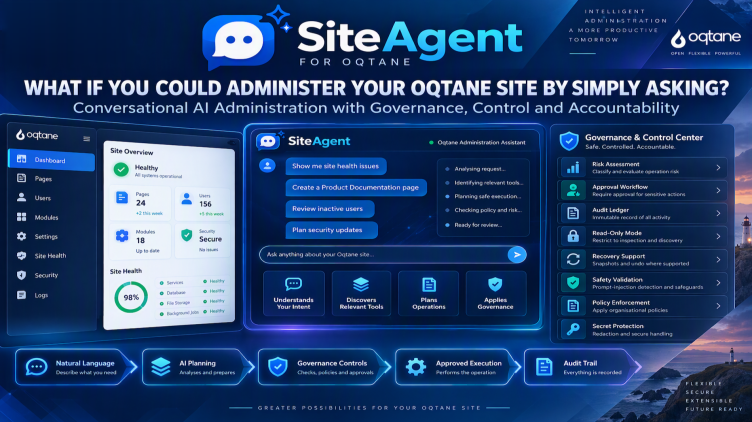
Introducing SiteAgent
AI-powered administration that helps you inspect your site, diagnose issues, plan changes, and execute approved actions with governance, audit trails, and safety controls.
SiteAgent is an administrative module for Oqtane that allows administrators to interact with their site using natural language. Instead of manually navigating through administrative screens for every operation, you can ask questions, investigate issues, plan changes, and request actions conversationally.
Describe what you need, such as showing site health issues or reviewing inactive users.
SiteAgent understands your intent, discovers the relevant tools and plans the operations.
Every plan is checked against policies and approvals before anything changes.
Approved operations are performed for you, with recovery support where available.
Every request, decision and action is recorded.
Classify and evaluate operation risk before execution.
Require approval for sensitive actions.
An immutable record of all activity.
Restrict SiteAgent to inspection and discovery.
Snapshots and undo where supported.
Prompt-injection detection and safeguards.
Apply your organisational policies to every action.
Redaction and secure handling of sensitive values.
1
An administrator asks: “Show me site health issues.”
2
SiteAgent analyses the request, identifies relevant tools and plans safe execution.
3
The plan is checked against policy and risk, and sent for approval if required.
4
Approved actions run and everything is recorded in the audit ledger.
Ask for what you need instead of clicking through administration screens.
Governance, approvals and audit trails are part of every operation.
Ask for site health issues and get a clear diagnosis.
Request new pages, such as a product documentation page, and review the plan before it runs.
Review inactive users and plan follow-up actions.
Plan security updates with risk assessment and approvals.
1
Add the SiteAgent administration module to your Oqtane site.
2
Set policies, approval rules, read-only mode and secret protection.
3
Ask questions, investigate issues, plan changes and request actions conversationally.
Runs as an administrative module inside your Oqtane site.
Extend SiteAgent alongside your Oqtane applications.
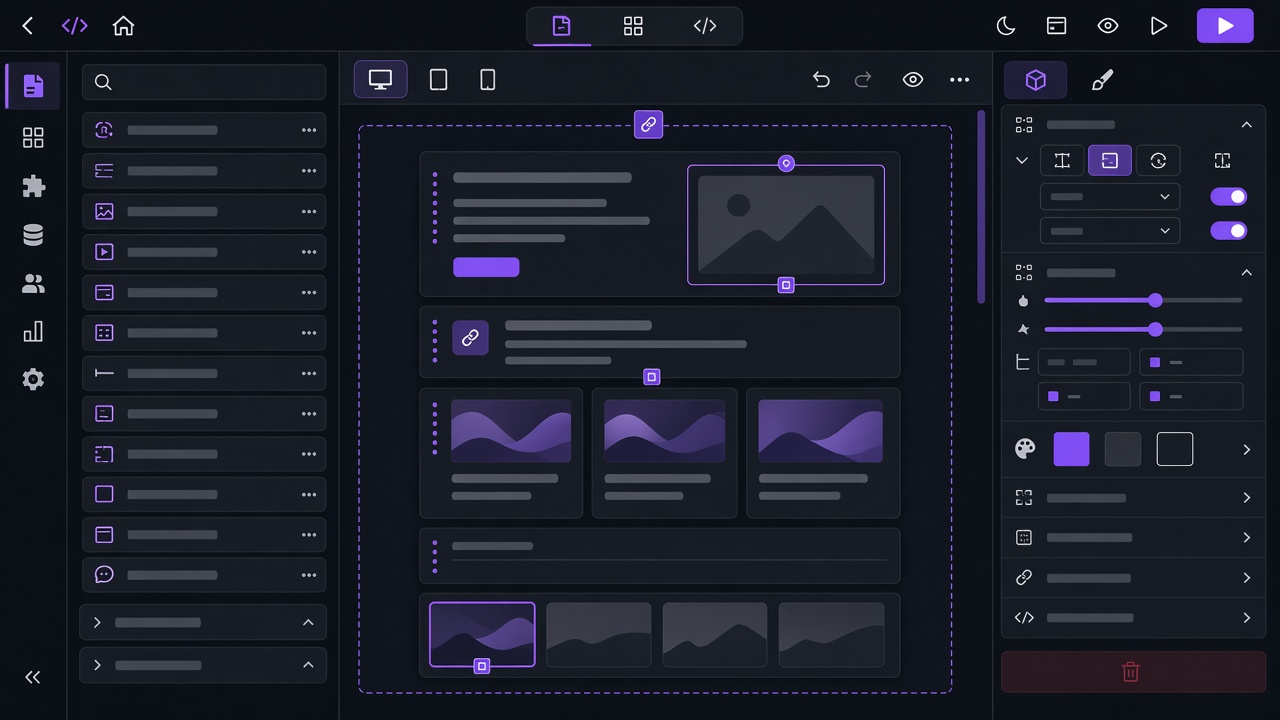
Business software
Custom applications on the Oqtane platform.
View details →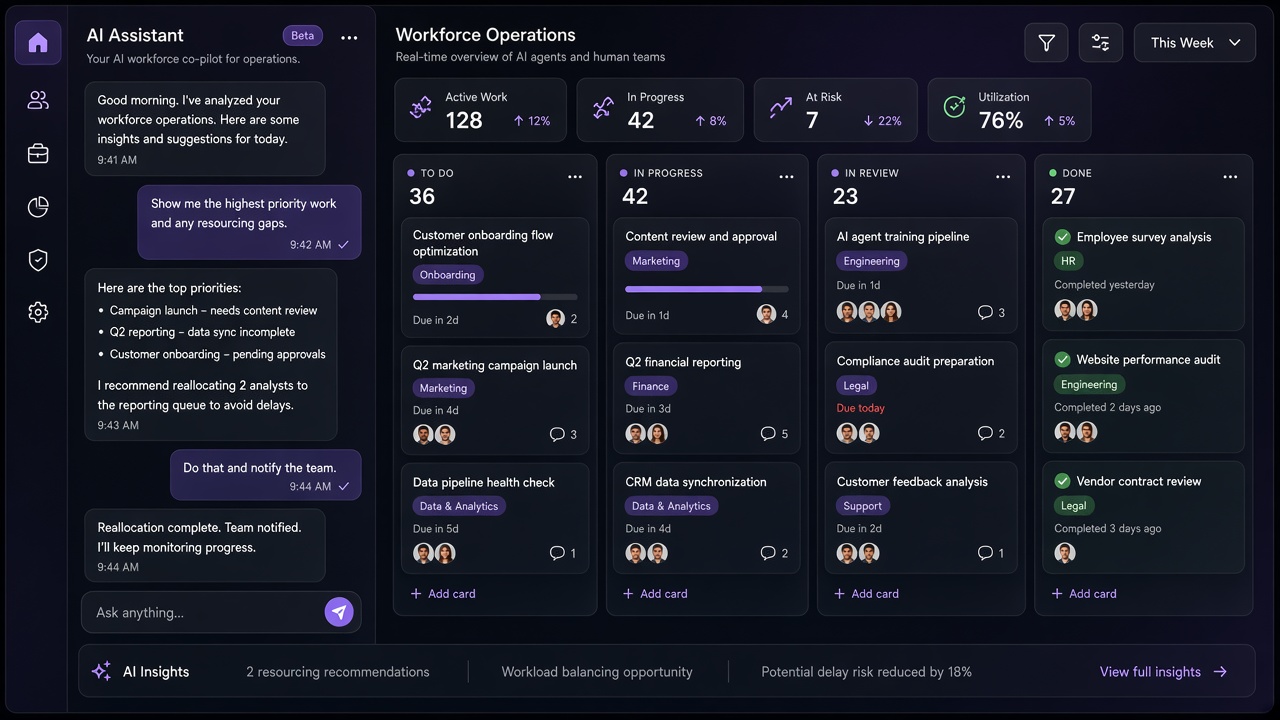
AI product
Coordinate operational work across teams with a shared assistant.
View details →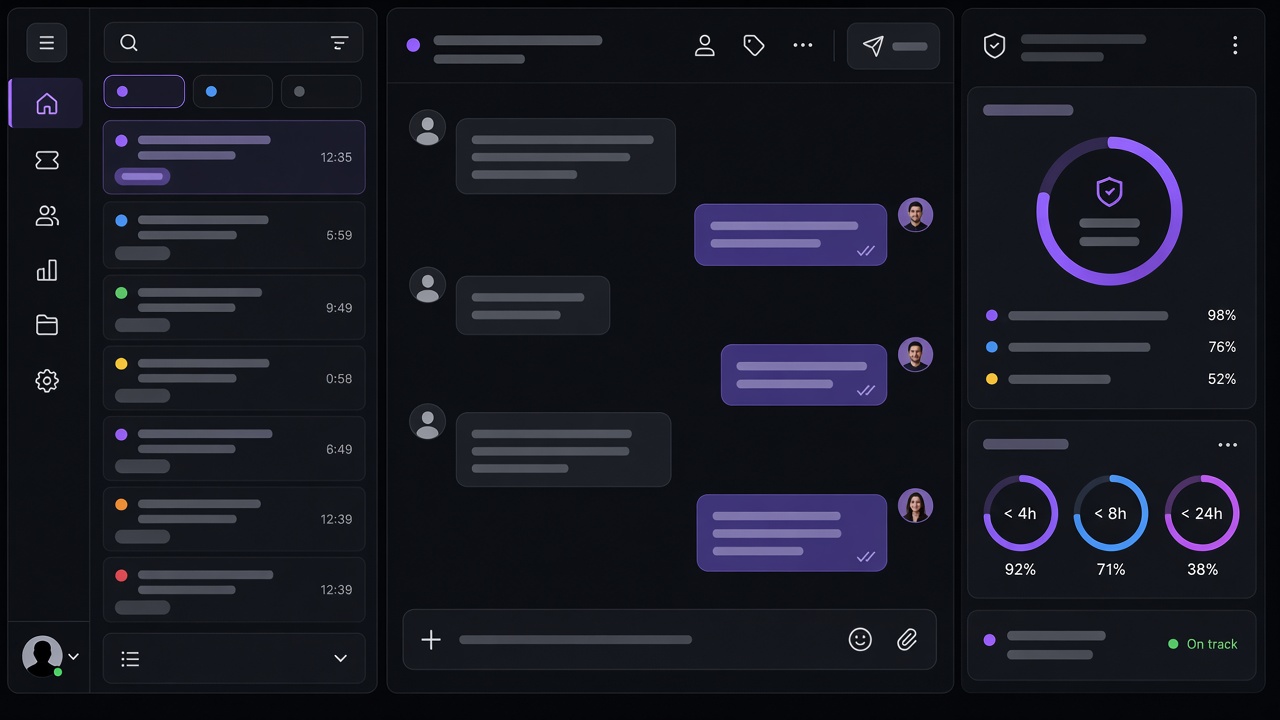
Business software
Service requests with ownership, SLA, and history.
View details →Request a demo or talk to an expert. WhatsApp and email stay available if you prefer a direct conversation.